
New in BETA: The Inventory Shop — Browse Your Inventory Like a Store, Check Out in One Step
Every asset you manage, in one catalog you can search, filter and shop. Pick the serials or quantities you need, put them in a cart, and move them to a location or assign them to an employee in a single checkout. The Inventory Shop is on now for every APB360 user who can move assets, on desktop and on phones.
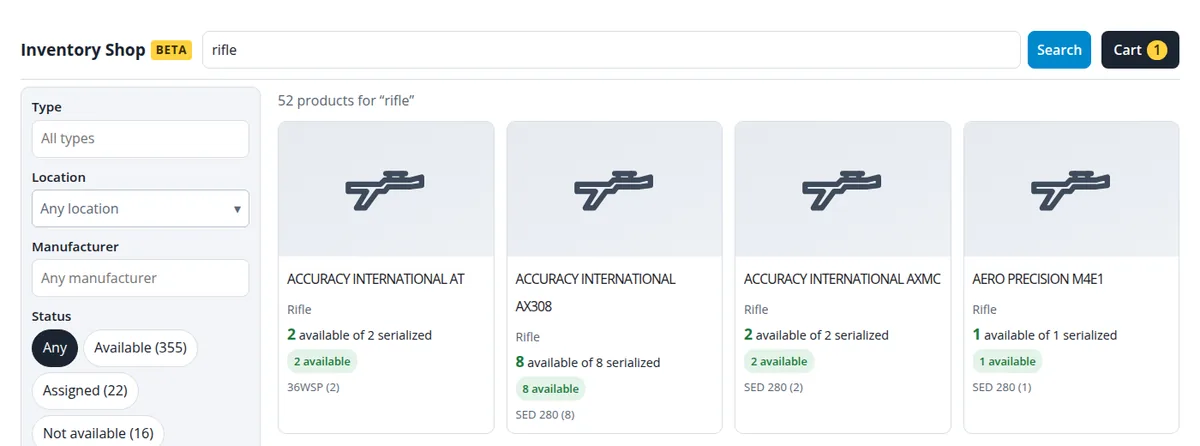
Find It Fast
- One catalog. Serialized firearms and gear and non-serialized stock side by side, each product with what is available, what is assigned and where it is.
- Search as you type. Serial numbers, makes, models and items, with suggestions while you type. Narrow it by type, manufacturer, location (anywhere in your location tree) and status.
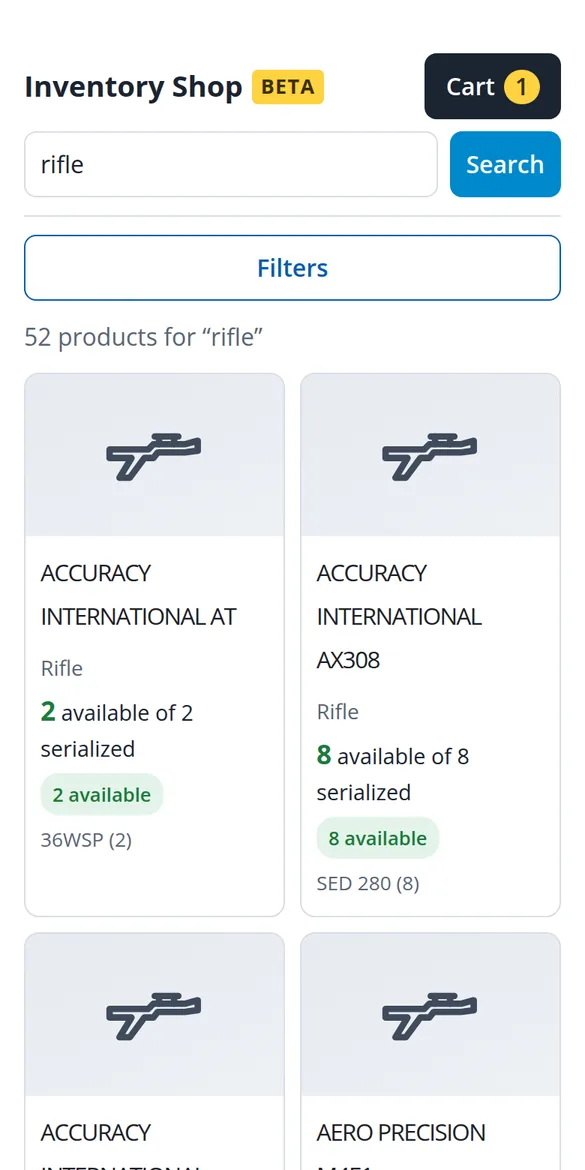
- See it. Products show the newest photo taken of their items. Where there is no photo yet, a clear drawing of the kind of asset stands in: handgun, rifle, armor, radio, ammunition and more.
Pick Exactly What You Need
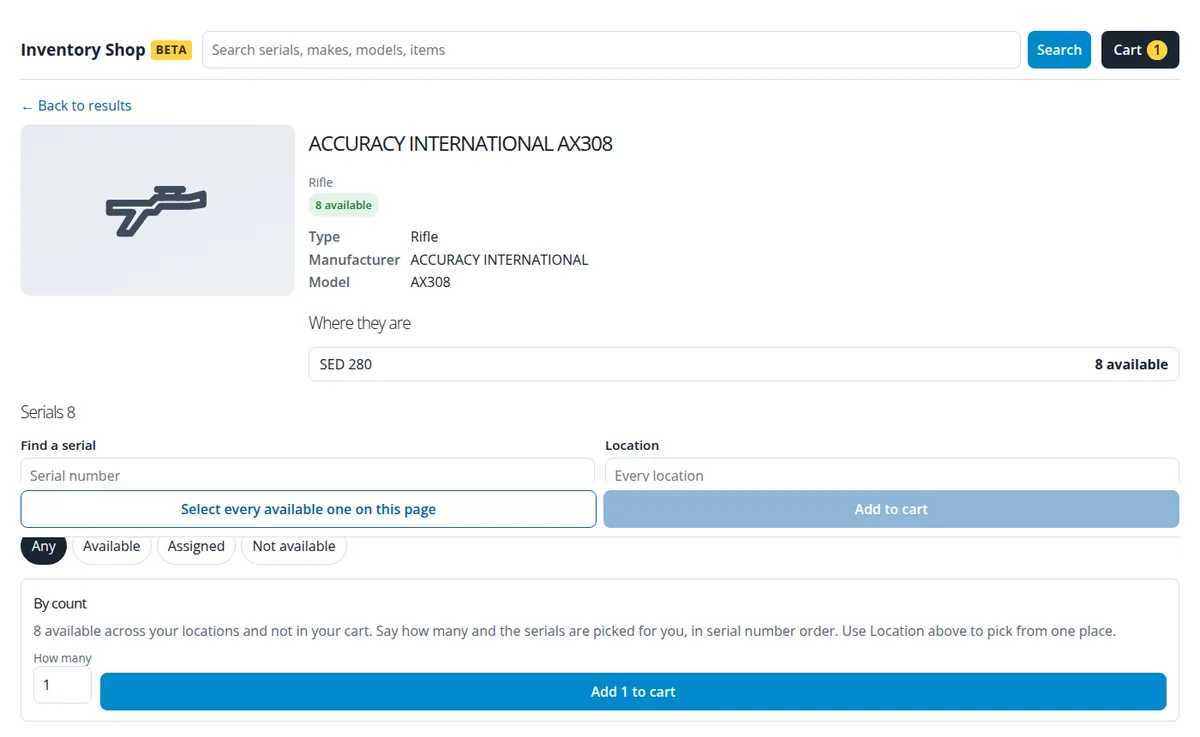
- Exact serials, or just a count. Tick the serials you want, or say “three of these from the Main Armory” and the shop picks available ones for you. Ask for more than are free and nothing is added, so the cart never holds fewer than you asked for.
- Quantities by location. For ammunition, OC spray and other stock, choose how many to take from each location, with what is on hand at each shown beside it.
- A cart that follows you. The cart is kept on our servers, so it is still there after a reload or on another device.
Check Out with Confidence
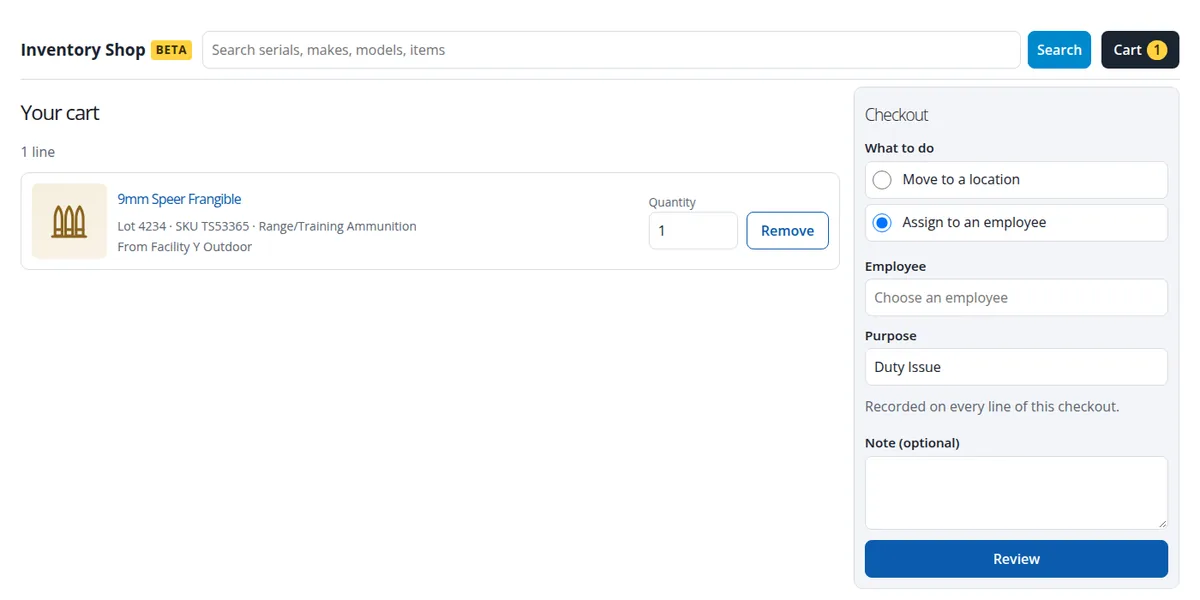
- Move or assign in one step. Send everything in the cart to a location, or assign it to an employee.
- A purpose on every record. Every checkout names its purpose from your organization’s list, such as Duty Issue or Range Issue, and it is written on every record the checkout makes.
- Review first. Before anything moves, the review shows what each line will do. Anything that moved since it went in the cart is refused, so nothing moves from the wrong place.
- The right records for your organization. For law enforcement agencies, a serialized asset assigned to an officer is recorded as a disposition in the A&D book. For FFLs, the asset stays at its stocking location and shows with the employee on every report, with no A&D book entry. More on employee custody.
- A receipt for every checkout, and an audit record of who did what.
Who Can Use It
Users who can move assets today: master, compliance, armorer and call center manager users. Read-only accounts cannot. Everyone sees and moves to only the locations and people they are allowed to, and, where an administrator has limited them to certain asset types, only those types. Returns are made from the employee’s profile or the Employee Custody Report, not through the shop. To try it, open Generate Inventory Report in the portal and choose Try the BETA Inventory Shop.
Questions or ideas? Email help@apb360.com or call 251-677-7978.