
File Transfer: Send APB360 Files of Up to 1 TB, Securely
Big data imports no longer need shared drives, mailed hard drives or email attachments that bounce. Any signed-in user of the APB360 portal can now send our team one file of up to 1 TB: an inventory export from your old system, an employee roster, years of training records, scanned A&D documents or anything else we are working on with you. Only you and APB360 staff can download it, and it is deleted automatically after 30 days.
Built for Very Large Files
- Up to 1 TB in one file. Zip a whole folder and send it in one go.
- Straight to private storage. Your browser cuts the file into parts and sends each one directly to private, encrypted cloud storage, four at a time, with a short-lived signed link for every part. The file never passes through our web servers.
- Picks up where it left off. A dropped connection retries on its own. If you close the page, choose the same file again, in the same browser or on another computer, and the upload resumes instead of starting over.
- Checked on arrival. When the last part is in, we check every part and the total size against what you started. A file that does not match is deleted, not kept.
Private by Design
- Only you and APB360 staff. No other user, and no one in your organization but you, can download it. There are no public links: every download checks who is signed in, and its link lasts five minutes.
- Encrypted and HTTPS only. Files are encrypted at rest with AES-256, and the storage refuses any connection that is not encrypted.
- Deleted after 30 days, automatically. Sending a new file replaces the one before, and you can delete yours yourself at any time.
- A record of everything. Every start, finish, resume, download and delete is logged with who did it and when.
How Our Team Uses It
The moment your file arrives, APB360 staff are notified with a secure link to it, so data imports and migrations start the same day instead of waiting on a hand-off. We use it for inventory and serial imports, employee and chain-of-command rosters, training and qualification history, and document projects. If we are working on a project with you, this is the way to send us the data.
How to Send a File
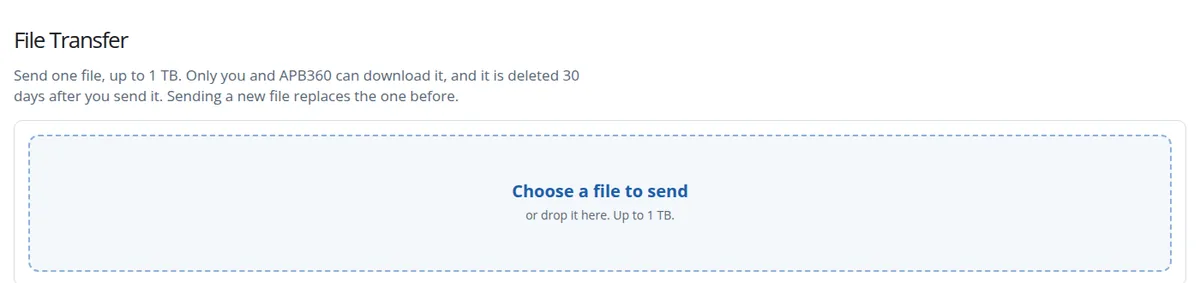
Sign in to the APB360 portal, open My Account and choose the File Transfer card. Choose the file, or drop it on the page, and keep the page open until it says the file is sent. Then email help@apb360.com to tell us what it is.